
Addlink Desktop RAM Price in Bangladesh
Explore Addlink Desktop RAM at Techland BD for PC upgrades and new builds. Compare available memory modules by capacity, speed, DDR generation, design, and compatibility to find the right RAM for your desktop. Whether you are upgrading everyday performance or building a gaming PC, check the specifications to choose suitable memory for your system.
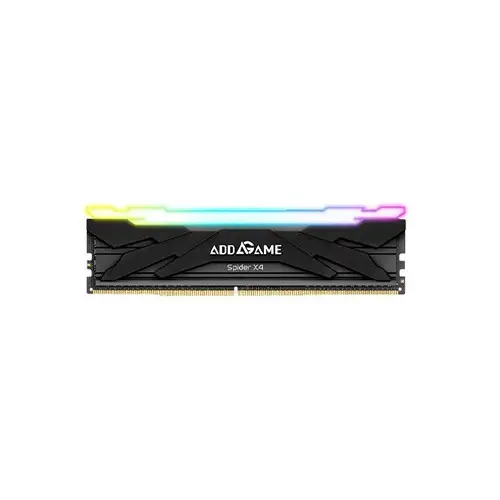
Addlink Spider X4 16GB DDR4 3200MHz RGB Gaming Desktop RAM
- Capacity - 16GB
- RAM Type - DDR4
- BUS Speed - 3200MHz
- Pin - 288
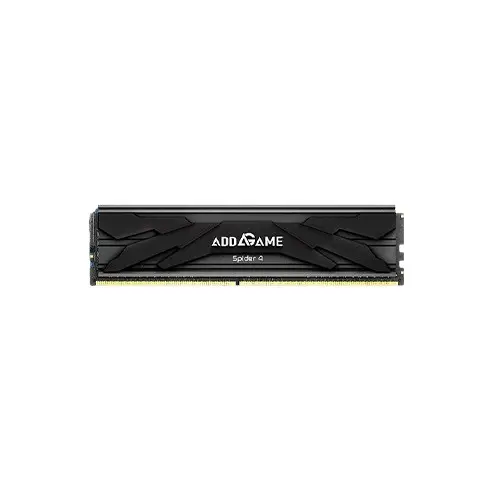
Addlink Spider S4 16GB DDR4 3200MHz Gaming Desktop RAM
- Capacity - 16GB
- RAM Type - DDR4
- BUS Speed - 3200MHz
- Pin - 288
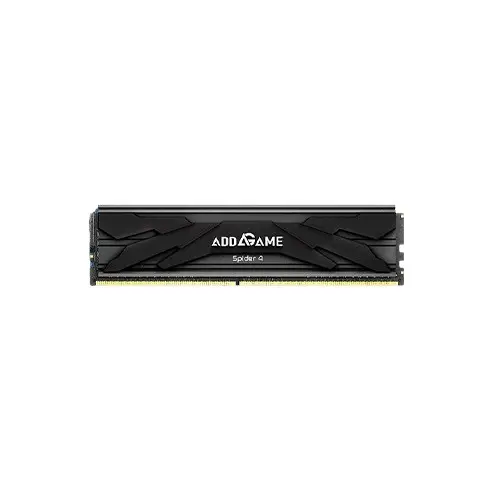
Addlink Spider S4 8GB DDR4 3200MHz Gaming Desktop RAM
- Capacity - 8GB
- RAM Type - DDR4
- BUS Speed - 3200MHz
- Pin - 288
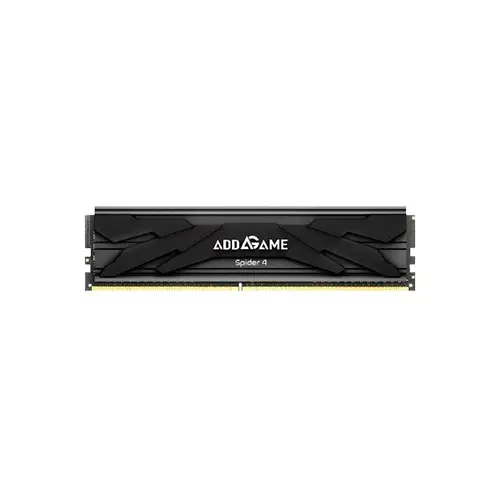
Addlink Spider 4 16GB DDR4 3200MHz Gaming Desktop RAM
- Capacity - 16GB
- Bus speed - 3200MHz
- Memory Type - DDR4
- Heatsink - Superior Aluminum Heat Spreader
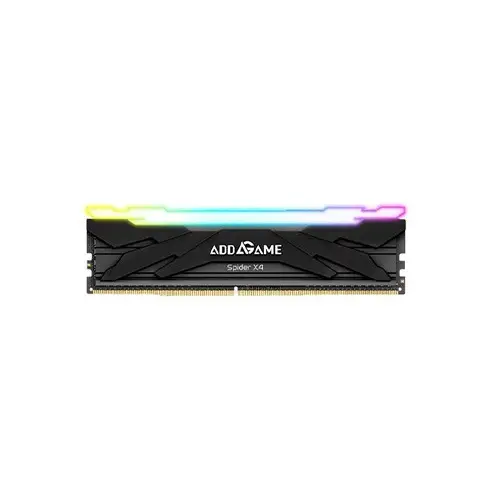
Addlink Spider X4 8GB DDR4 3200MHz RGB Gaming Desktop RAM
- Capacity - 8GB
- RAM Type - DDR4
- BUS Speed - 3200MHz
- Pin - 288
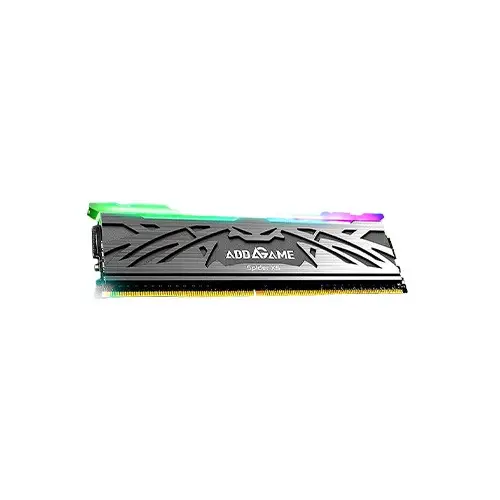
Addlink Spider X5 16GB DDR5 6000MHz RGB Gaming Desktop RAM
- Capacity - 16GB
- RAM Type - DDR5
- BUS Speed - 6000MHz
- Pin - 288
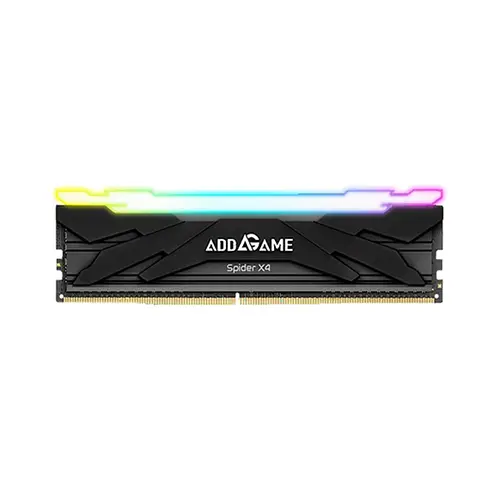
ADDLINK SPIDER X4 RGB 8GB 3200MHZ DDR4 GAMING RAM
- Capacity: 8GB
- Frequency: 3200Mhz
- Pin: DDR4 288pin
- Voltages: 1.35V
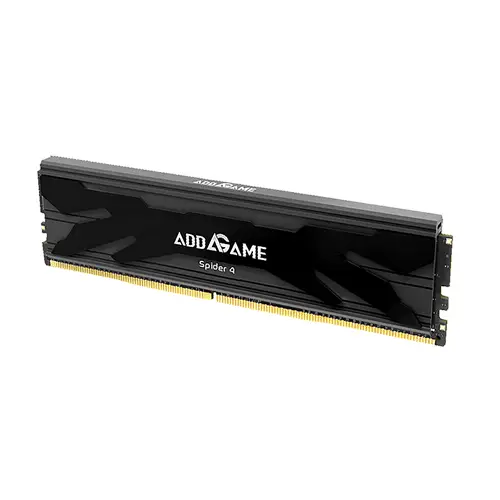
ADDLINK SPIDER 4 8GB 3200MHZ DDR4 GAMING RAM
- Capacity: 8GB
- Frequency: 3200Mhz
- Pin: DDR4 288pin
- Voltages: 1.35V
Showing 8 out of 8 products
Choose Addlink Desktop RAM for Your PC
Addlink Desktop RAM is an option for users looking to upgrade their desktop memory or build a new PC. When choosing RAM, consider your system's supported memory type, capacity, speed, and configuration. The right memory can help your computer handle everyday tasks, multitasking, and demanding applications more comfortably.
Addlink SPIDER 4 Desktop RAM
Addlink SPIDER 4 is one of the desktop memory series to look for when exploring Addlink RAM. Its design and specifications may vary by model, so check the product details for memory capacity, speed, DDR generation, and other features before making your choice.
Addlink DDR4 RAM, Capacity and Speed
Memory capacity and speed are important when upgrading a desktop. Depending on your requirements, you can compare different capacities and memory speeds to find a suitable option for everyday computing, work, or gaming. Make sure the selected RAM matches the supported memory specifications of your motherboard and processor.
Addlink RAM for Gaming and Everyday Use
Upgrading desktop memory can help improve multitasking and support applications that require more RAM. For gaming, the ideal memory configuration depends on the games you play, your processor, graphics card, and overall PC setup. Consider the complete system rather than choosing RAM based on speed alone.
Check RAM Compatibility Before Buying
Before purchasing Addlink Desktop RAM, check your motherboard's supported DDR generation, memory capacity, speed, and DIMM configuration. Compatibility is particularly important when adding memory to an existing PC, as mixing different RAM specifications may affect system stability or operating performance.
Buy Addlink Desktop RAM from Techland BD
Explore Addlink Desktop RAM at Techland BD and compare available models based on their specifications and compatibility. Whether you are upgrading an existing desktop or selecting memory for a new build, review the product details to find RAM that suits your requirements.
Addlink Desktop Ram Price List in Bangladesh 2026
| Product | Price |
|---|---|
| Addlink Spider S4 8GB DDR4 3200MHz Gaming Desktop RAM | ৳7500 |
| Addlink Spider X4 16GB DDR4 3200MHz RGB Gaming Desktop RAM | ৳13000 |
| Addlink Spider S4 16GB DDR4 3200MHz Gaming Desktop RAM | ৳12999 |
Frequently Asked Questions
Which Addlink RAM is suitable for desktop PCs?
The suitable model depends on your motherboard, processor, supported DDR generation, required capacity, and memory speed. Check your system specifications before choosing.
Is Addlink SPIDER 4 suitable for gaming PCs?
Addlink SPIDER 4 memory can be considered for compatible gaming PC builds. Check the specific model's capacity, speed, and compatibility with your motherboard.
How much RAM do I need for my desktop?
The required RAM depends on how you use your computer. Everyday tasks, office work, multitasking, gaming, and demanding applications can have different memory requirements.
Can I upgrade my existing desktop RAM?
Yes, if your motherboard supports the additional memory and the selected modules are compatible with your existing configuration. Check the supported capacity, slots, and memory specifications before upgrading.
