
Computer Accessories Price in Bangladesh
Explore computer accessories at Techland BD for desktops, laptops, gaming setups, and everyday computing needs. Find essential accessories such as keyboards, mice, headphones, webcams, USB hubs, cables, adapters, and other useful peripherals. Compare available products by features, compatibility, connectivity, and specifications to choose the right accessories for your setup.
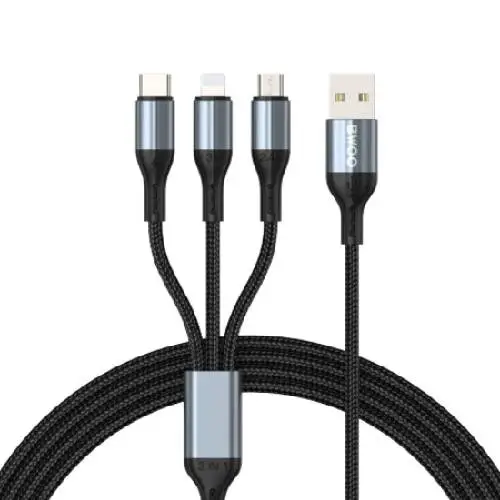
BWOO BO-X274 3-in-1 3A Multi USB Charging Cable For Phone
- Black Color, 120cm Length
- USB to Type-C / Lightning / Micro Interface
- 3A Output Charging
- Nylon Braided Cable with Aluminum Alloy
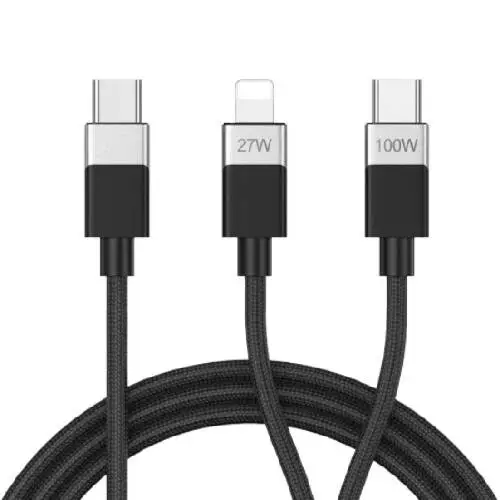
BWOO BO-X306 PD 100W USB-C 2 in 1(USB-C + Lightning) Cable
- Black Type-C to Type-C & Lightning Cable
- PD100W & PD27W Fast Charging Support
- 1M Braided Cable with Aluminum Alloy
- Data Transfer & Charging Support
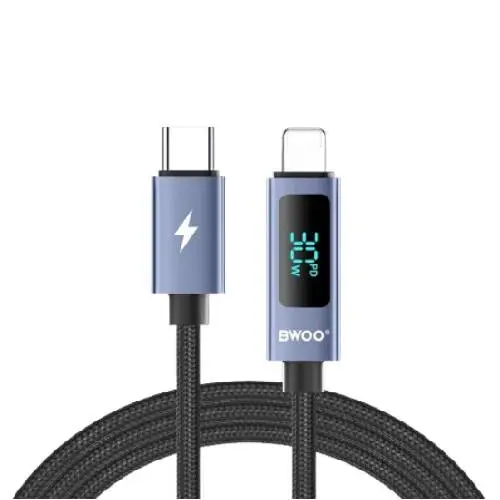
BWOO BO-X323CL 1M USB-C to Lightning Cable with 30W LED Display
- Nylon Braided Cable with Metal Shell
- 1M Cable Length
- 480Mbps Data Transfer Speed
- 30W Charging Power, USB-C to iPhone
BWOO BO-X401CL 30W PD Charging 1m Type-C to Lightning Cable
- USB Type-C to Lightning Interface
- Nylon Braided, 10,000+ Bend Lifespan
- 30W PD Fast Charging Support
- 480Mbps Data Transfer Speed
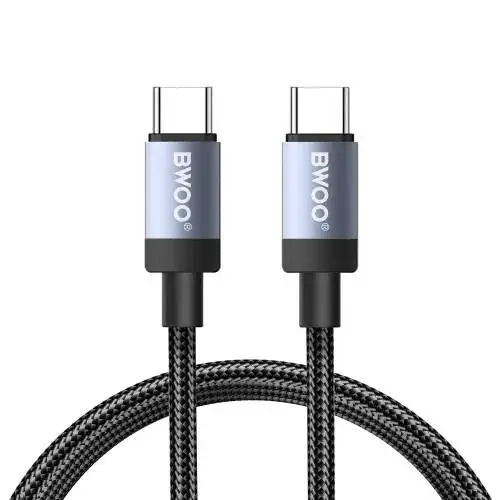
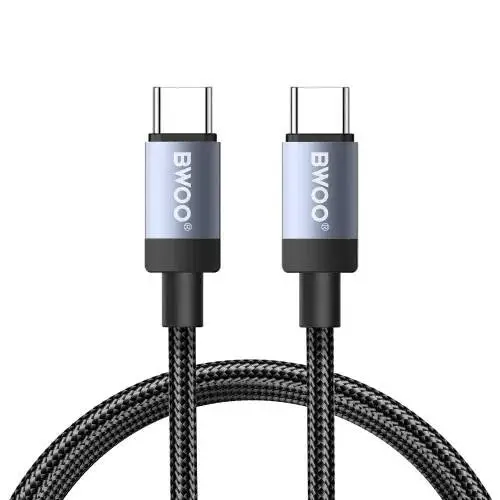
BWOO BO-X401CC 65W PD Charging 1m Type-C Cable
- USB Type-C to Type-C Interface
- Nylon Braided Cable, 10,000+ Bend Lifespan
- Supports Up to 65W PD Fast Charging
- 480Mbps Data Transfer, Wide Compatibility
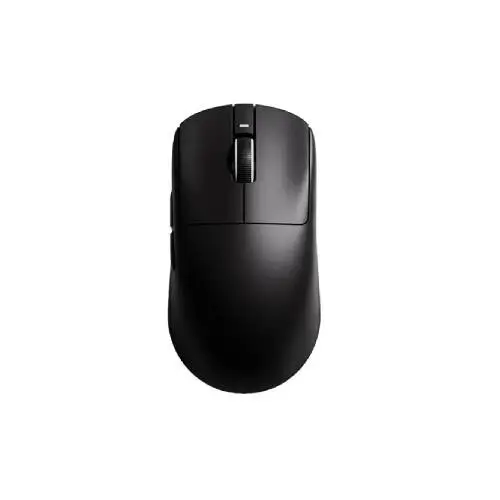
VGN VXE R1 SE+ Wireless Gaming Mouse – Black
- Wired, 2.4G & Bluetooth Connectivity
- PAW3395 SE High-Performance Sensor
- 500mAh Battery, Up to 35 Hours Runtime
- Huano 60M Clicks & Kailh/TTC Scroll Wheel
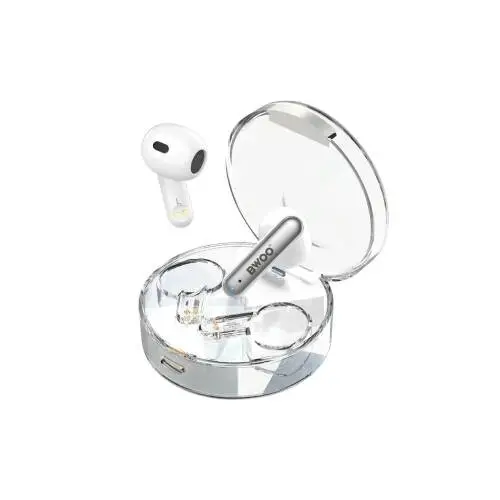
BWOO BW95 Bluetooth 5.2 300mAh Earbuds
- 13mm HD Dynamic Driver
- Advanced Bluetooth 5.2 Connectivity
- 300mAh Battery, Up to 200H Standby
- Transparent Design with Voice Assistant
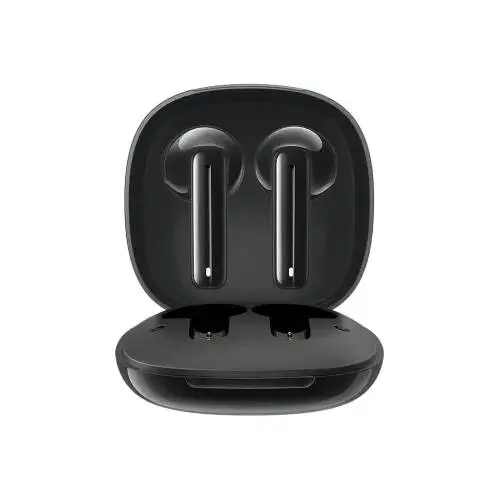
BWOO BW06 Wireless Bluetooth 5.3 Earbuds (Black)
- 13mm Speaker Driver, Black Color
- Active Noise Reduction
- Advanced Bluetooth 5.3 Connectivity
- 250mAh Battery, 4.5H Music Playback
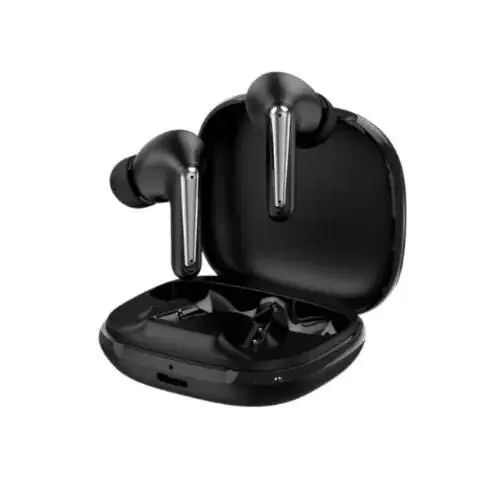
BWOO BO-BW53 In-Ear ANC BT 6.0 Wireless Earbuds
- 13mm Dynamic Driver
- Hybrid ANC Up to 98% Noise Reduction
- 4-Mic AI Noise-Cancelling Calls
- 8H Playtime & Bluetooth 6.0
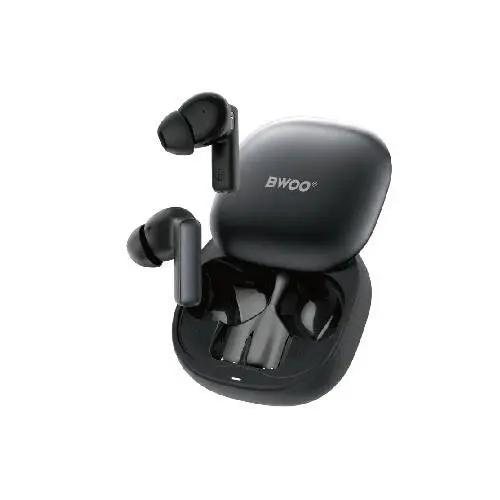
BWOO BO-BW52 ANC 4-Mics BT 6.0 Wireless Earbuds (Black)
- Bluetooth 6.0 with USB-C Charging
- 8H Music & 4H Talk Time
- 15H Earphone Case Battery Life
- 13mm Drivers, Black Color
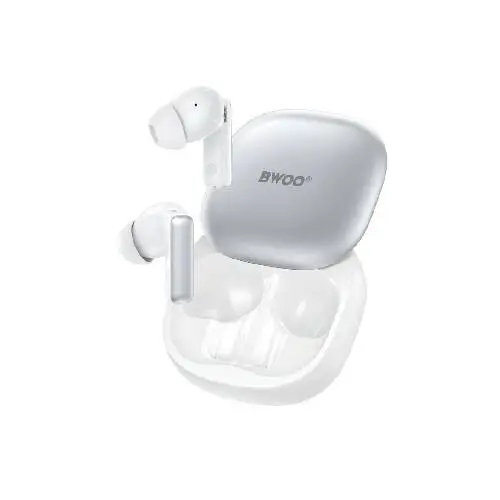
BWOO BO-BW52 ANC 4-Mics BT 6.0 Wireless Earbuds (White)
- Bluetooth 6.0 with USB-C Charging
- 8H Music & 4H Talk Time
- 15H Earphone Case Battery Life
- 13mm Drivers, White Color
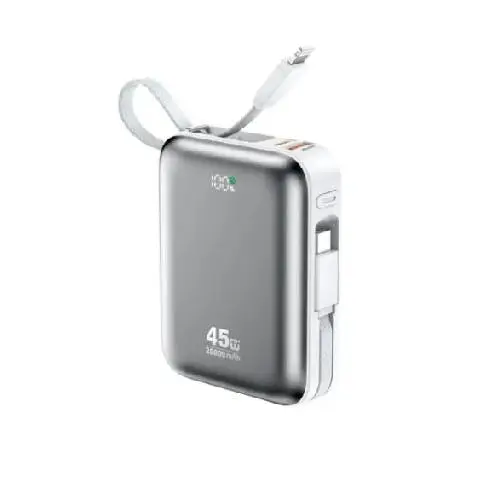
BWOO BO-P78 20000mAh PD45W Power Bank with Built-in Charging Cables
- 20000mAh High-Capacity Battery
- 45W Max Input & Output
- Digital LED Display
- Built-in Type-C & Lightning Cables
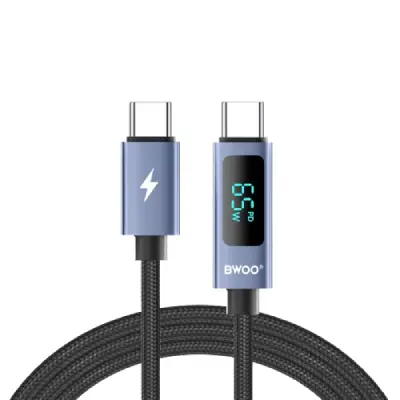
BWOO BO-X323CC 65W USB-C 1M LED Cable
- Max Power Output: Up to 65W
- Data Transfer Speed: Up to 480Mbps
- Cable Length: 1m
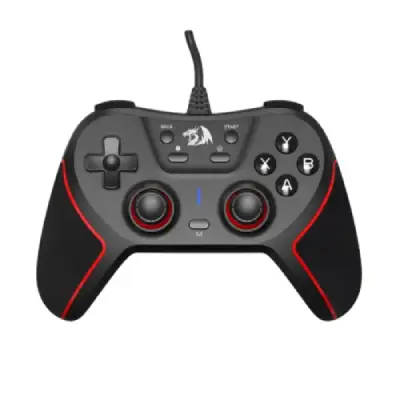
Redragon Ephemera G713 Hall Effect Wired Gamepad
- Connectivity: Wireless, 1.8m Braided Cable
- Hall Effect Magnetic Joysticks Technology
- Dual Asymmetric Vibration Motors Feedback
- X-input / D-input Support, Windows Compatibility
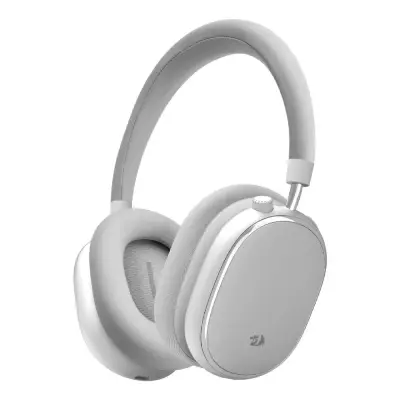
Redragon H620 VIBECORE 700NC ANC Dual Mode Headset
- Driver Diameter: 40mm Dynamic Drivers
- ANC Noise Cancellation, RGB Lighting
- Connectivity: Bluetooth / Wired
- Battery Capacity: 1000 mAh, Up to 100-Hour Playtime
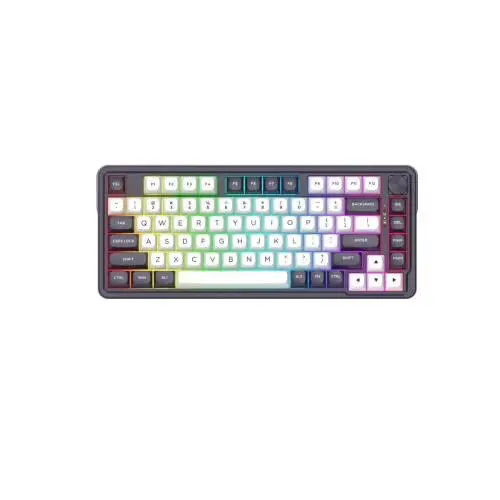
Redragon K715 PRO FINKE Dual-Mode Mechanical Gaming Keyboard
- 75% Layout with 81 Keys
- Hot-Swappable Dragon Chant Switches
- RGB Backlight with Adjustable Effects
- Dual-Mode Bluetooth & Wired Connectivity
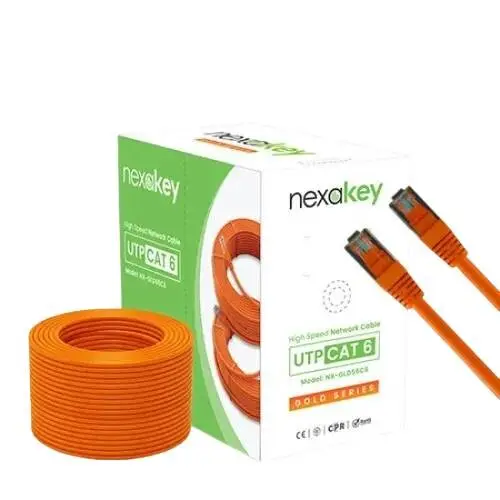
Nexakey NX-GLD56C6 CAT6 305 Meter CCA UTP Cable
- Copper Clad Aluminum (CCA) Conductor
- 23 AWG Conductor Size
- 4 Pairs (8 Conductors)
- Durable PVC Jacket Material
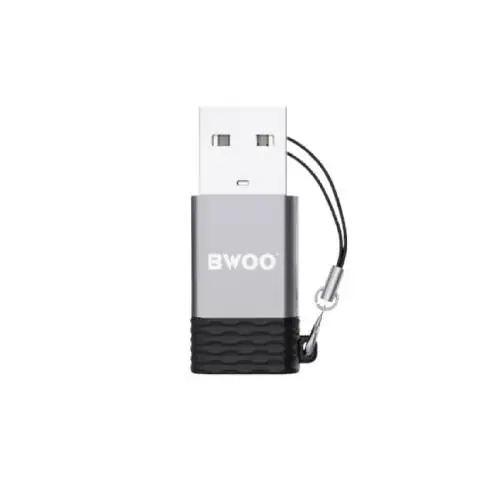
BWOO BO-BZ38 USB-C to USB OTG Adapter
- USB-C Female to USB-A Male Adapter
- 480Mbps High-Speed Data Transfer
- 2.4A Fast Charging Support
- Durable Zinc Alloy, Compact Design
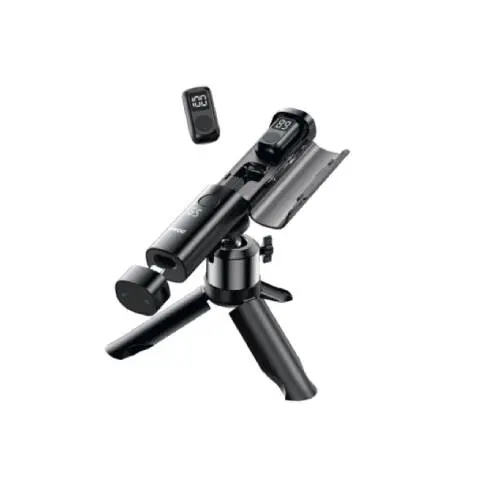
BWOO BO-MF05 Wireless Microphone with 3 in 1 Design
- Battery: 380mAh Case + 70mAh Mic
- Wireless Transmission Range: 30–40m
- Mic Runtime: 5–6 Hours, 1H Charging
- Recording Range: 100Hz–10KHz, -38dB Sensitivity
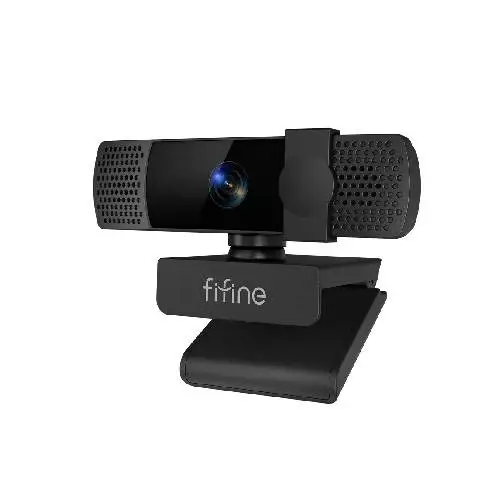
FIFINE K436 Auto Focus 2K Computer Webcam with Tripod Stand
- 2K Resolution (3264 × 2448 Pixels)
- Autofocus Supported
- USB 2.0 Plug & Play Connectivity
- 8MP Sensor with MJPG/YUV & Tripod Stand
Showing 20 out of 8392 products
Explore Computer Accessories for Everyday Computing
Computer accessories play an important role in improving the usability, comfort, and functionality of desktops and laptops. Whether you use a computer for office work, online classes, gaming, content creation, or everyday browsing, the right accessories can make your setup more convenient and productive.
At Techland BD, you can explore different types of computer accessories for personal, professional, and gaming use. The available collection may include keyboards, mice, headphones, webcams, USB hubs, adapters, cables, mousepads, and other computer peripherals. Compare product specifications, connectivity, compatibility, and features to find accessories that match your requirements.
Keyboard and Mouse for Desktop and Laptop Users
Keyboards and mice are among the most commonly used computer accessories. A suitable keyboard can make typing more comfortable, while a responsive mouse can improve navigation and control.
Depending on your requirements, you can consider standard keyboards, wireless keyboards, mechanical keyboards, gaming keyboards, wired mice, and wireless mice. Gaming users may prefer accessories with additional controls, adjustable sensitivity, or dedicated gaming features, while office users may prioritize comfortable typing and practical design.
Before purchasing, check the connection type, layout, compatibility, size, and other specifications of the selected product.
Gaming Accessories for a Better Gaming Setup
Gaming accessories can help improve control, comfort, and interaction during gameplay. Depending on your setup, useful gaming peripherals may include gaming keyboards, gaming mice, mousepads, headsets, controllers, microphones, and other compatible accessories.
Different games and gaming styles require different equipment. Competitive gamers may prioritize accurate mouse tracking and responsive controls, while casual gamers may prefer comfortable and easy-to-use peripherals. Consider your gaming platform, available ports, connectivity requirements, and preferred features when selecting gaming accessories.
Headphones, Headsets, and Audio Accessories
Audio accessories are useful for communication, entertainment, meetings, online classes, and gaming. Headphones and headsets are available in different designs and connection types, including wired and wireless options.
When comparing audio products, consider sound quality, microphone performance, comfort, connectivity, and compatibility with your computer or laptop. Some headsets are designed for gaming, while others are more suitable for office communication, video calls, and everyday listening.
You can also consider speakers, microphones, and other audio accessories based on your preferred setup.
USB Hubs, Adapters, and Connectivity Accessories
Modern computers and laptops may have limited connectivity options. USB hubs and adapters can help connect additional peripherals and compatible devices. They are useful for users who need to connect keyboards, mice, storage devices, monitors, card readers, and other accessories.
Before choosing a USB hub or adapter, check the supported interface, port types, data transfer capabilities, power requirements, and device compatibility. For display connectivity, confirm that the adapter supports the required output standard and resolution.
Choosing compatible connectivity accessories can help keep your workstation organized and make everyday device connections easier.
Cables, Chargers, and Power Accessories
Cables and power accessories are essential for connecting and powering different computer devices. Depending on your requirements, you may need USB cables, HDMI cables, charging cables, power adapters, extension accessories, or other compatible products.
Check the connector type, supported power rating, cable length, data transfer capability, and device compatibility before purchasing. Using the correct cable or adapter helps ensure that connected devices work according to their supported specifications.
For laptop power accessories, always verify the required voltage, current, connector type, and compatibility with the laptop model.
Webcam and Accessories for Online Meetings
Webcams and related accessories are useful for video conferencing, remote work, online learning, streaming, and communication. A suitable webcam can help improve the video experience during online meetings and content creation.
When choosing a webcam, compare resolution, frame rate, microphone support, connection type, mounting options, and software compatibility. Your lighting conditions and internet connection can also influence the overall video-call experience.
For a complete communication setup, you may also consider a compatible headset, microphone, and other audio accessories.
Laptop and Desktop Computer Accessories
Laptop and desktop users often have different accessory requirements. Laptop users may need cooling pads, laptop stands, adapters, docking stations, external keyboards, mice, and USB hubs. Desktop users may look for keyboards, mice, speakers, webcams, mousepads, cables, and other peripherals.
Consider the available ports, operating system, device dimensions, and intended usage before selecting an accessory. Checking compatibility is especially important when purchasing adapters, docking stations, chargers, and other connected devices.
How to Choose the Right Computer Accessories
Selecting the right accessories depends on your device, usage habits, and budget. Before purchasing, consider the following points:
Purpose: Identify whether the accessory is for office work, gaming, study, entertainment, or professional use.
Compatibility: Check whether the product supports your desktop, laptop, operating system, or gaming platform.
Connectivity: Compare USB, USB-C, Bluetooth, wireless receiver, HDMI, and other supported connection types.
Build quality: Review the materials, construction, and design of the product.
Features: Compare useful functions instead of choosing a product based only on its appearance.
Comfort: Consider ergonomics, size, weight, and ease of use for accessories used regularly.
Specifications: Review the manufacturer's product information to confirm that the accessory meets your requirements.
Comparing these details can help you choose suitable computer accessories for your setup.
Buy Computer Accessories from Techland BD
Techland BD provides an online destination for exploring computer accessories for desktops, laptops, gaming setups, offices, and everyday computing. Browse the Computer Accessories category to discover available products and compare their features, specifications, and compatibility.
Whether you need a keyboard, mouse, headset, webcam, USB hub, cable, adapter, or another computer peripheral, review the individual product details before making a purchase. Check the product page for current pricing, availability, specifications, and other relevant information to select the right accessory for your needs.
Computer Accessories Price List in Bangladesh 2026
Frequently Asked Questions
What are computer accessories?
Computer accessories are additional devices and peripherals used with desktops and laptops. Common examples include keyboards, mice, headphones, webcams, speakers, USB hubs, adapters, cables, and mousepads.
What are the most essential computer accessories?
A keyboard and mouse are common essentials for desktop users. Depending on your requirements, you may also need headphones, a webcam, speakers, a USB hub, a mousepad, or suitable connectivity accessories.
What is the difference between laptop accessories and desktop accessories?
Laptop accessories often focus on portability, additional connectivity, cooling, and external power requirements. Desktop accessories may focus more on workstation setup, gaming peripherals, audio equipment, and external connectivity. Many accessories can work with both types of computers if they are compatible.
Which computer accessories are useful for gaming?
Gaming keyboards, gaming mice, mousepads, headsets, controllers, and microphones are commonly used in gaming setups. The right selection depends on your gaming platform, preferred games, and personal requirements.
Are wireless computer accessories better than wired accessories?
Both options have advantages. Wireless accessories provide more flexibility and reduce cable clutter, while wired accessories do not require separate wireless batteries or receivers in many cases. Choose based on your connectivity needs and usage preferences.
How do I check computer accessory compatibility?
Check the supported operating system, connection type, port requirements, device model, and product specifications. For adapters, docking stations, and power accessories, verify the supported technical requirements carefully.
Can I use laptop accessories with a desktop computer?
Some laptop accessories can also work with desktop computers. However, compatibility depends on the connection type, supported features, and device requirements. Check the product specifications before purchasing.
Where can I find Computer Accessories Price in Bangladesh?
You can browse the Computer Accessories category at Techland BD to explore available products, compare specifications, and check current prices and availability.
