
Casing Fan Price in Bangladesh
Looking for a casing fan for your desktop PC? Explore different PC case fans at Techland BD, including RGB and non-RGB options from various brands. Compare fan size, airflow, noise level, speed, and connectivity to find a suitable option for your computer. Whether you are replacing an existing fan or improving airflow in a new PC build, check the product specifications and case compatibility before choosing.
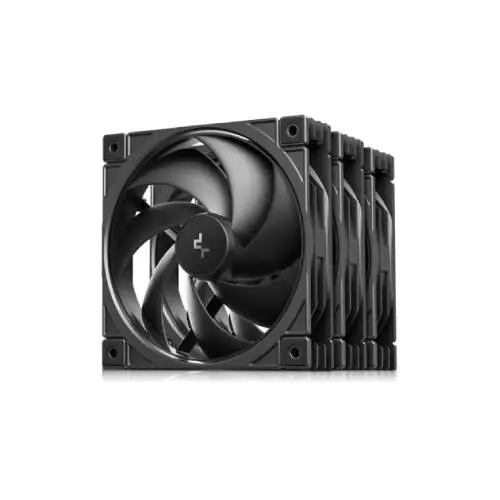
Deepcool FD12 V2 3 in 1 120mm Cooling Fan
- Fan Speed: 500–2050 RPM ±10%
- Airflow: 79.89 CFM, Noise: ≤35.66 dB(A)
- Connector: 4-Pin PWM, Voltage: 12V DC
- Power: 4.8W, Current: 0.4A
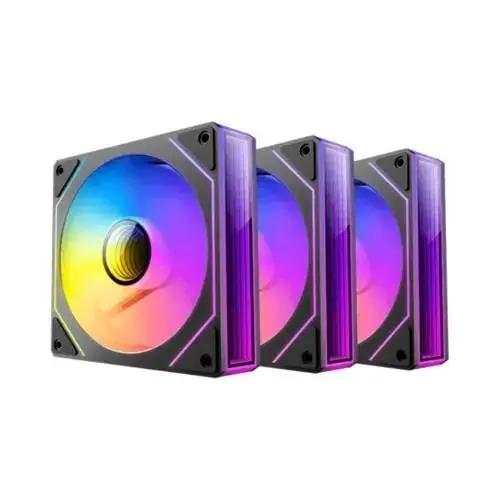
Antec Vision 120R ARGB 120mm 3 IN 1 Reverse Casing Fan
- Fan: ARGB PWM
- Speed: 800–1500 RPM
- Lifespan: 30,000 Hours
- Connector: 4-Pin PWM + 3-Pin ARGB
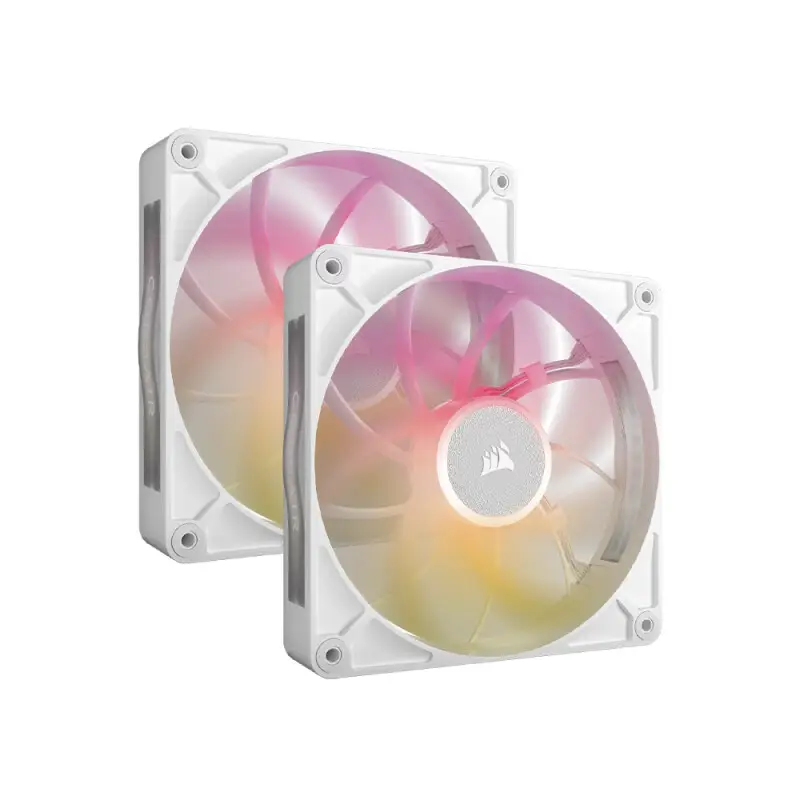
Corsair iCUE LINK RX140 MAX RGB 140mm Dual Pack Case Fans (White)
- Fan Airflow - 27.2 - 102.9 CFM
- Fan Model - RX SERIES
- Flow Type - STATIC PRESSURE
- Sound Level - 10 - 36.4 dBA
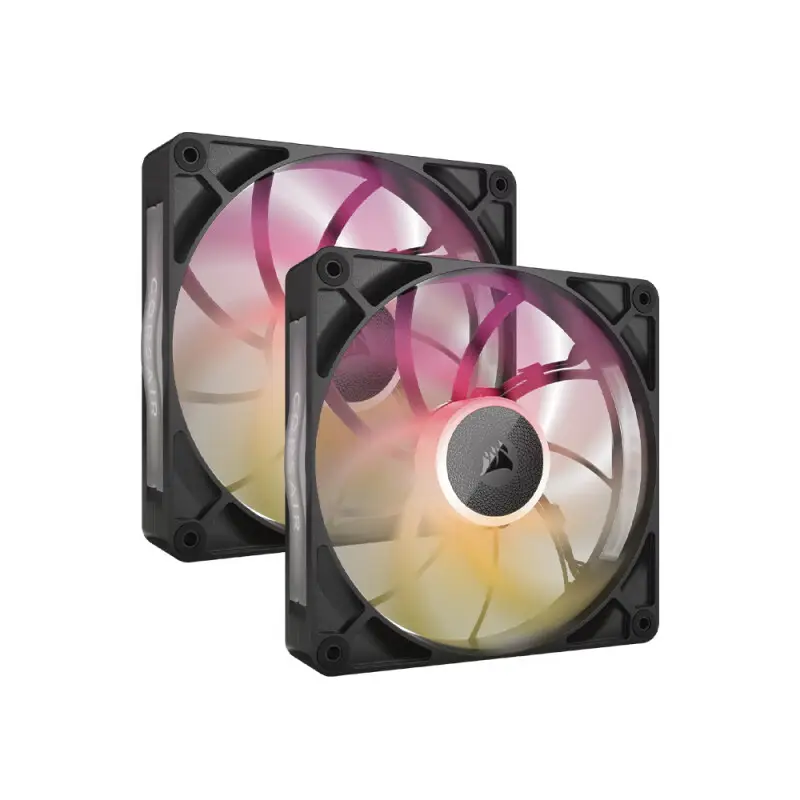
Corsair iCUE LINK RX140 MAX RGB 140mm PWM Thick Case Fans
- Fan Airflow - 27.2 - 102.9 CFM
- Fan Model - RX SERIES
- Flow Type - STATIC PRESSURE
- Sound Level - 10 - 36.4 dBA
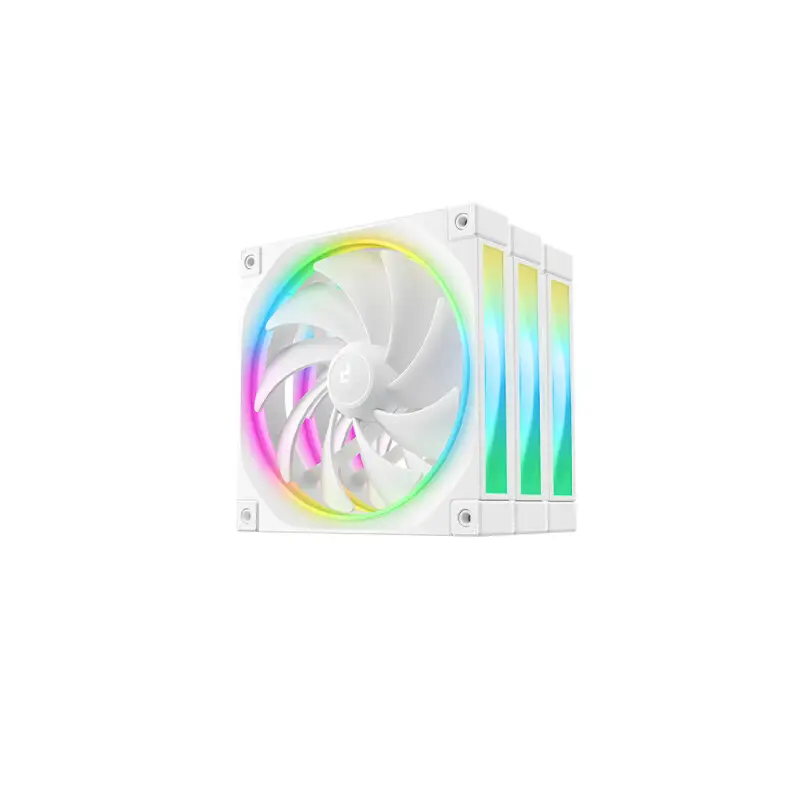
Deepcool FL14 WH 3 IN 1 140mm RGB Case Fan (White)
- Fan Speed - 500~1700 RPM±10%
- Fan Airflow - 66.59 CFM
- Fan Air Pressure - 2.37 mmAq
- Fan Noise - ≤31.46 dB(A)
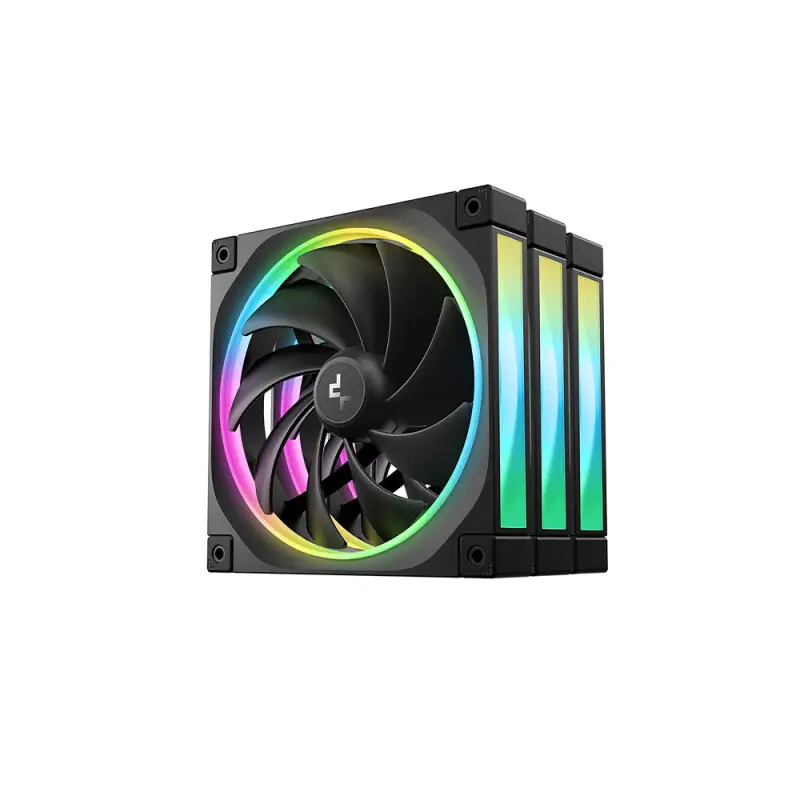
Deepcool FL14 3 IN 1 140mm RGB Case Fan (Black)
- Fan Speed - 500~1700 RPM±10%
- Fan Airflow - 66.59 CFM
- Fan Air Pressure - 2.37 mmAq
- Fan Noise - ≤31.46 dB(A)
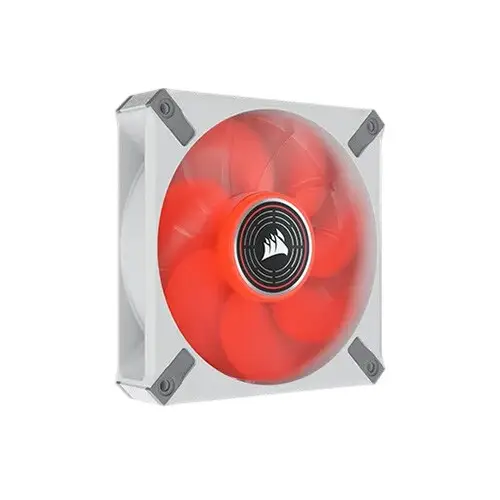
CORSAIR ML120 LED ELITE Red Premium 120mm PWM Magnetic Levitation Fan (White)
- Dimensions: 120mm x 25mm
- Magnetic Levitation Bearing
- Static Pressure Optimized
- Red LED Illumination
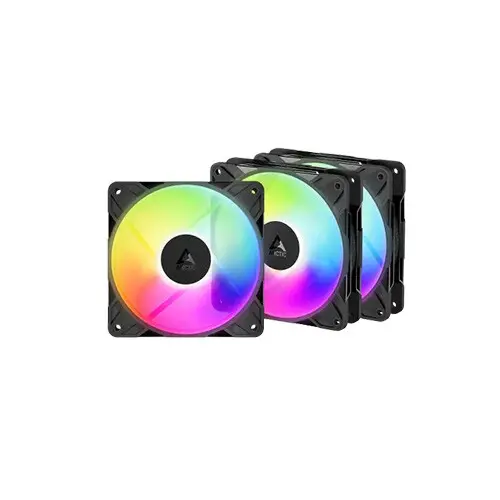
Arctic P12 Pro A-RGB 120mm Reverse Casing Fan (3 Pack)
- Speed: 500–3000 RPM (PWM)Airflow: 73 CFM / 124 m³/hPressure: 4.5 mmH2OBearing: FDB
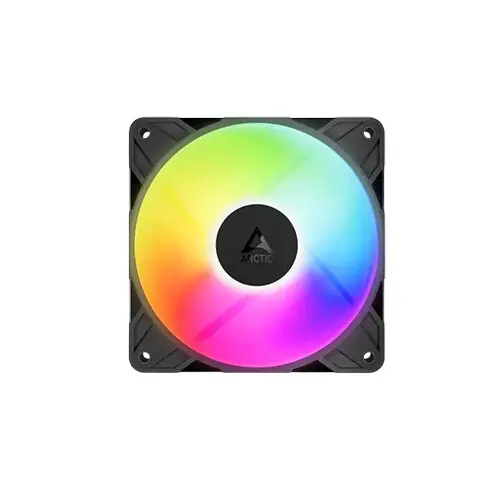
Arctic P12 Pro A-RGB Reverse 120mm Casing Fan
- Speed: 500–3000 RPM (PWM)Airflow: 73 CFM / 124 m³/hPressure: 4.5 mmH2OBearing: FDB
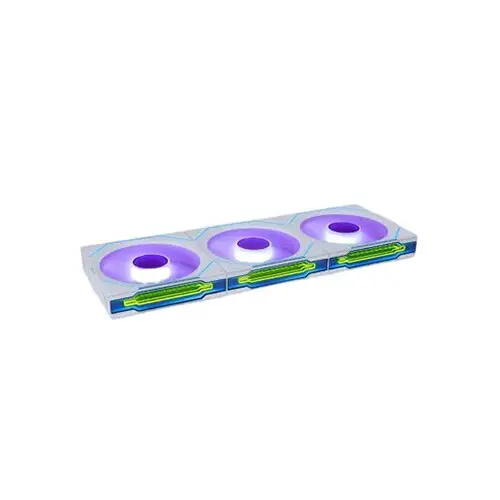
Lian Li UNI Fan SL-Infinity Wireless 120 - Triple Pack white Case Fan
- Wireless design for hassle-free installation
- Infinity mirror ARGB lighting effects
- Up to 67 CFM high airflow performance
- Quiet fluid dynamic bearing operation
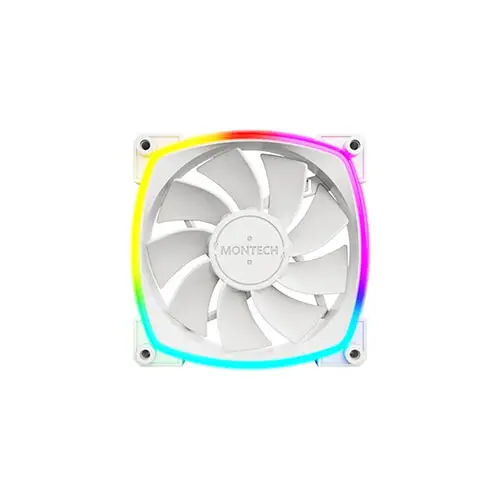
Montech RX120 PWM ARGB Case Fan (White)
- Air Flow:59CFM
- Air Pressure:1.8mm H₂O
- Bearing Type: HDB
- Fan Size:120mm*120mm*25mm
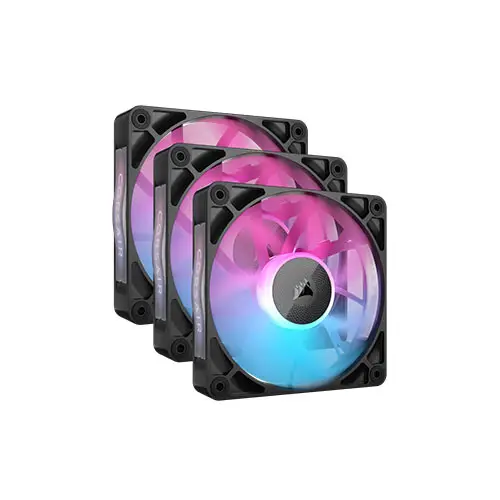
Corsair iCUE LINK RX120 RGB 120mm PWM Fan Triple Starter Kit
- Fan Airflow:10.4 - 73.5 CFM
- Fan Model: RX SERIES
- Flow Type: STATIC PRESSURE
- LINK Compatibility: RGB
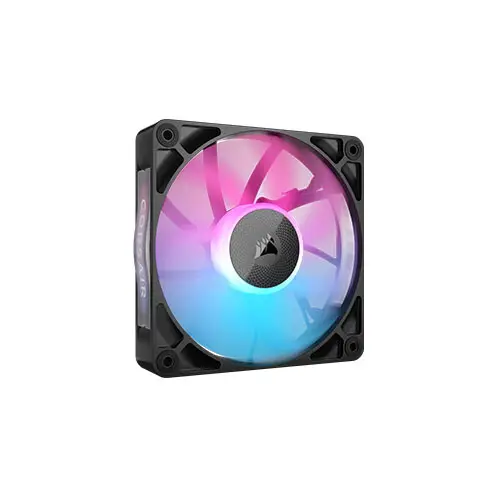
Corsair iCUE LINK RX120 RGB 120mm PWM Single Fan Expansion
- Fan Airflow:10.4 - 73.5 CFM
- Fan Model: RX SERIES
- Flow Type: STATIC PRESSURE
- Sound Level:10 - 36 dBA
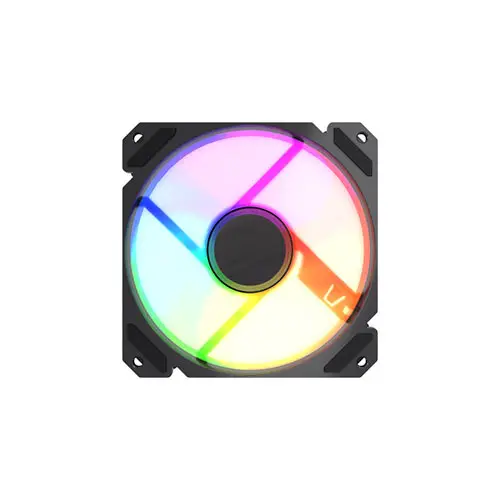
MaxGreen M59 ARGB 120mm Casing Fan
- Connector: 3 Pin ARGB
- Fan Size: 120 mm
- Fan Speed: 1000 ±10 RPM
- Bearing Type: Hydraulic Bearing
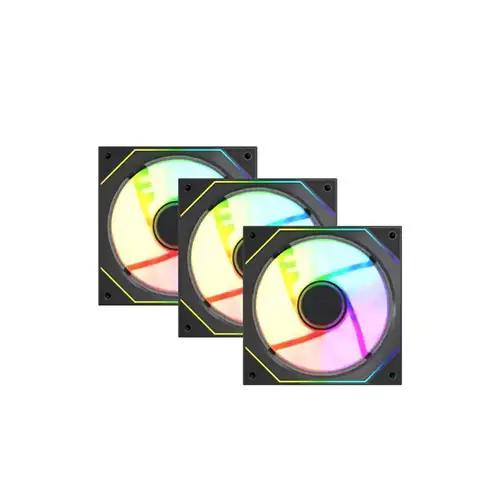
MaxGreen M57 ARGB 3 in 1 120mm Casing Fan
- Connector: 3 Pin ARGB
- Fan Size: 120 mm, Blade Qty: 9
- Fan Speed: 1000 ±10 RPM
- Bearing Type: Hydraulic Bearing
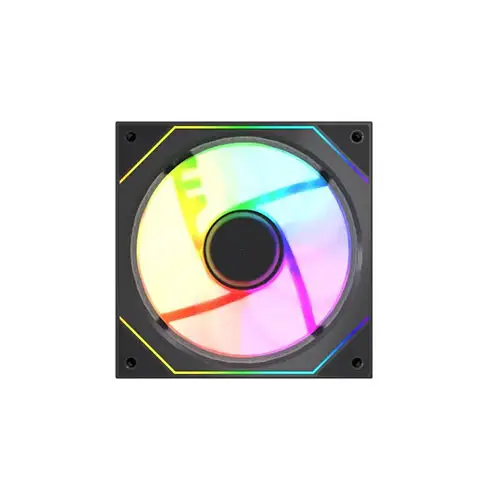
MaxGreen M57 ARGB 120mm Casing Fan
- Connector: 3 Pin ARGB
- Fan Speed: 1000 ±10 RPM
- Bearing Type: Hydraulic Bearing
- Fan Size: 120 mm
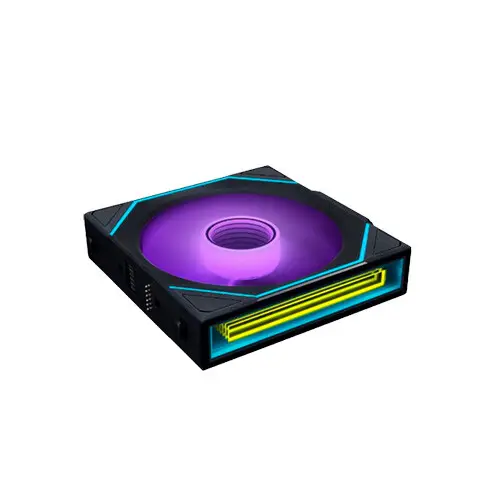
LIAN LI UNI 12SLIN1W1B FAN SL-INF Wireless ARGB Case Fan-Black
- FAN SPEED: 0, 200~2300 RPM
- AIR PRESSURE: 3.4 mmH2O
- AIRFLOW: 67 CFM
- ACOUSTIC NOISE: 29.2 dBA
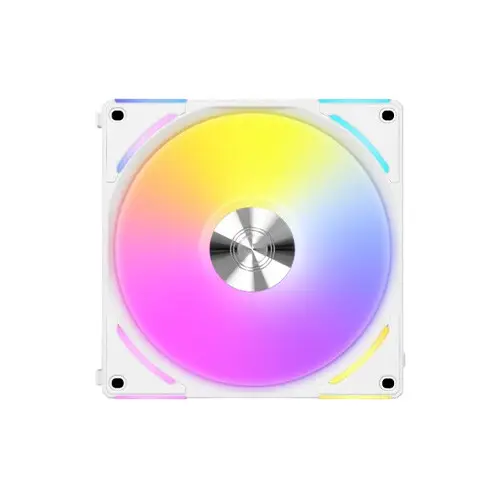
Lian Li UNI FAN AL 120 V2 120mm ARGB White Triple Pack Case Fan
- BEARING TYPE - Fluid Dynamic Bearing (FDB)
- FAN SPEED - 0, 250~2000 RPM
- MATERIAL - PBT/PC/Aluminum)
- CONNECTOR TYPE - 4 × 7-PIN
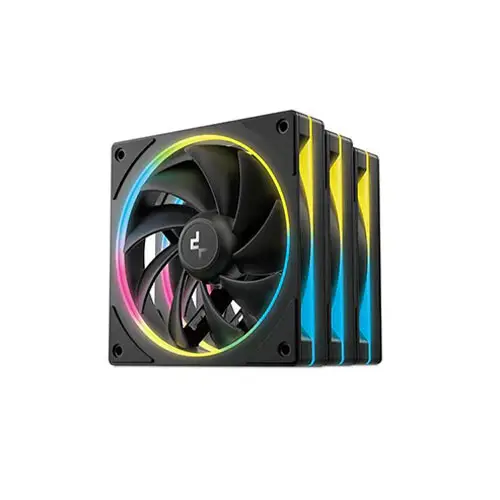
DeepCool FL12 SE 3IN1 ARGB 120mm Case Fan (Black)
- Fan Speed: 400~1900 RPM±10%
- Fan Airflow: 50.74 CFMFan
- Air Pressure: 2.04 mmAq
- Fan Noise: ≤28.67 dB(A)Fan
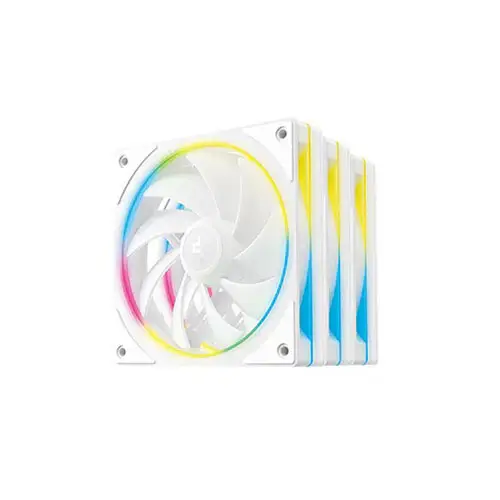
DeepCool FL12 SE WH 3IN1 ARGB 120mm Case Fan (White)
- Fan Speed: 400~1900 RPM±10%
- Fan Airflow: 50.74 CFMFan
- Air Pressure:2.04 mmAq
- Fan Noise: ≤28.67 dB(A)
Showing 20 out of 288 products
Choosing the Right Casing Fan for Your PC
A casing fan may look like a small part of a desktop PC, but it plays an important role in keeping the system cool. It moves air through the case, helping remove heat produced by the processor, graphics card, and other components. If your PC gets warm during gaming or heavy workloads, adding or replacing case fans may help improve airflow.
The right fan depends on your case, existing cooling setup, and the components you use. Some users prefer a simple fan for everyday computing, while others want RGB lighting to match the look of a gaming setup. Before buying, consider both the cooling requirements and the appearance you want for your PC.
RGB, ARGB, and Non-RGB Casing Fans
RGB casing fans are popular among users who want colourful lighting inside their PC case. They can add a distinctive look to a gaming build, especially when combined with other lighting components. ARGB fans offer more individual lighting effects, but the supported features depend on the fan and controller.
Non-RGB fans are a practical option if lighting is not important to you. They allow you to focus on airflow, noise, and cooling performance instead. Whichever design you prefer, check the product details to understand its lighting system and connection requirements before purchasing.
Fan Size, Airflow, and Noise Level
Fan size is one of the first things to check when choosing a replacement or additional casing fan. Common sizes include 120mm and 140mm, although compatibility varies between PC cases. A larger fan is not automatically suitable for every build, so check the mounting positions and supported fan sizes in your case.
Airflow and noise level are also worth considering. Airflow describes how much air a fan can move, while noise level indicates how loud it may sound during operation. Fan speed and design can affect both. If you prefer a quieter PC, compare the noise specifications along with the airflow figures rather than choosing based on fan appearance alone.
Check Fan Connectors and PC Case Compatibility
Casing fans can use different power and control connections. Common options include 3-pin and 4-pin fan connectors, while RGB and ARGB lighting may require separate connections. A 4-pin PWM fan can support speed control through a compatible motherboard header. Lighting connectors also need to match the motherboard or controller.
Before ordering, check the available fan mounting points, supported fan dimensions, connector types, and clearance inside your PC case. If you plan to connect several fans, make sure your motherboard or fan hub has enough suitable headers and supports the required lighting connections.
Improving Airflow Inside Your Desktop PC
A good fan setup is about more than installing as many fans as possible. Many PC cases use front or bottom fans to bring cool air inside, while rear or top fans help move warm air out. The best arrangement depends on the case design, available mounting points, and other cooling components.
If your system includes a powerful graphics card or runs demanding applications, proper airflow can be particularly useful. Keep the case ventilation clear and consider how your CPU cooler and graphics card affect the overall airflow path.
Buy Casing Fans from Techland BD
Whether you are building a new gaming PC or replacing an existing case fan, Techland BD offers different options to explore. Compare available models by size, lighting, airflow, noise level, and connector type before making a choice. Check each product page for its specifications, current price, and availability.
You can also explore other PC cooling components and PC components to find products that work with your desktop setup.
Casing Fan Price List in Bangladesh 2026
Frequently Asked Questions
What Does a Casing Fan Do?
A casing fan moves air through the PC case. It helps bring cooler air into the system and remove warm air produced by internal components.
Which Casing Fan Size Should I Buy?
The correct size depends on the fan mounting positions supported by your PC case. Check the case specifications before choosing a 120mm, 140mm, or another fan size.
What Is the Difference Between RGB and ARGB Fans?
RGB fans generally provide colour lighting with more limited lighting control, while ARGB fans can support individually controlled LEDs and more lighting effects. Compatibility depends on the fan, motherboard, and controller.
Are PWM Casing Fans Better?
PWM fans use a compatible 4-pin connection to allow more flexible fan speed control. They can be useful when you want the system to adjust fan speed according to temperature and cooling requirements.
How Many Casing Fans Does a Gaming PC Need?
There is no fixed number for every gaming PC. The ideal setup depends on the case, processor, graphics card, and cooling requirements. Check the available mounting positions and plan airflow accordingly.
Where Can I Find Casing Fan Prices in Bangladesh?
Visit Techland BD to explore available casing fans and compare their specifications. Individual product pages provide the latest listed prices and availability.
