
Marvo Gamepad Price in Bangladesh
Explore Marvo gamepads at Techland BD for PC gaming and compatible gaming devices. Compare available models by connectivity, button layout, analogue controls, ergonomic design, and device compatibility. Whether you enjoy racing, sports, action, or adventure games, check the product specifications to find a Marvo gamepad that suits your gaming setup.
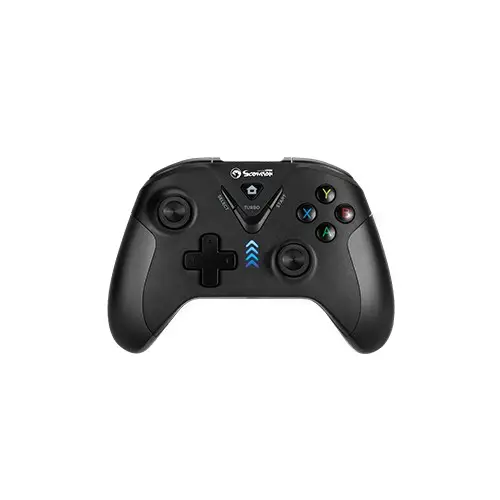
MARVO GT-019 PS3 GAMING CONTROLLER
- Color Black
- Cable length 1.8 Meter
- Connectivity Wireless 2.4 GHz
- Type 3d Joystick Game Pad
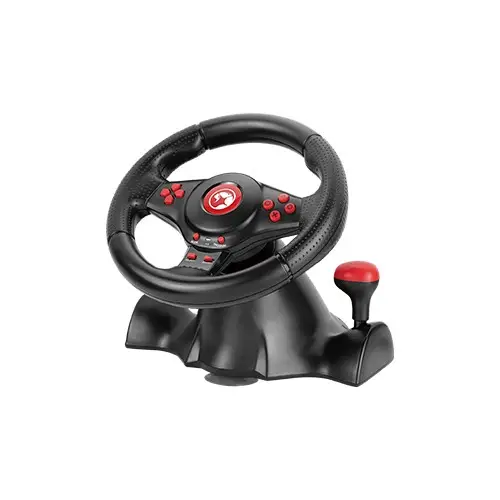
MARVO GT-903 GAMING RACING WHEEL
- Inside Solid and Stable Design
- Multi-platform Use
- Excellent Gaming Experience
- Customized Function
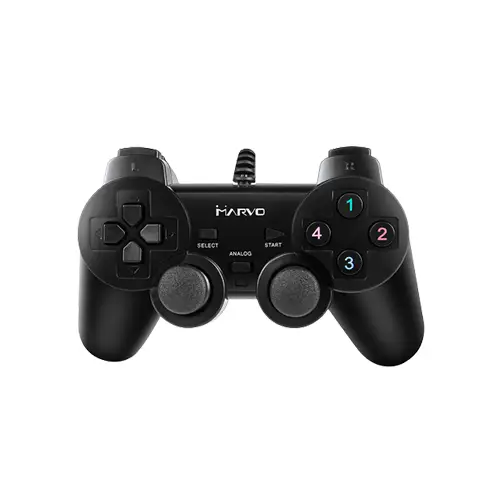
MARVO GT-006 WIRED GAMING CONTROLLER
- Vibration effects
- PC compatible
- Ergonomic design
- USB 2.0 Plug&Play
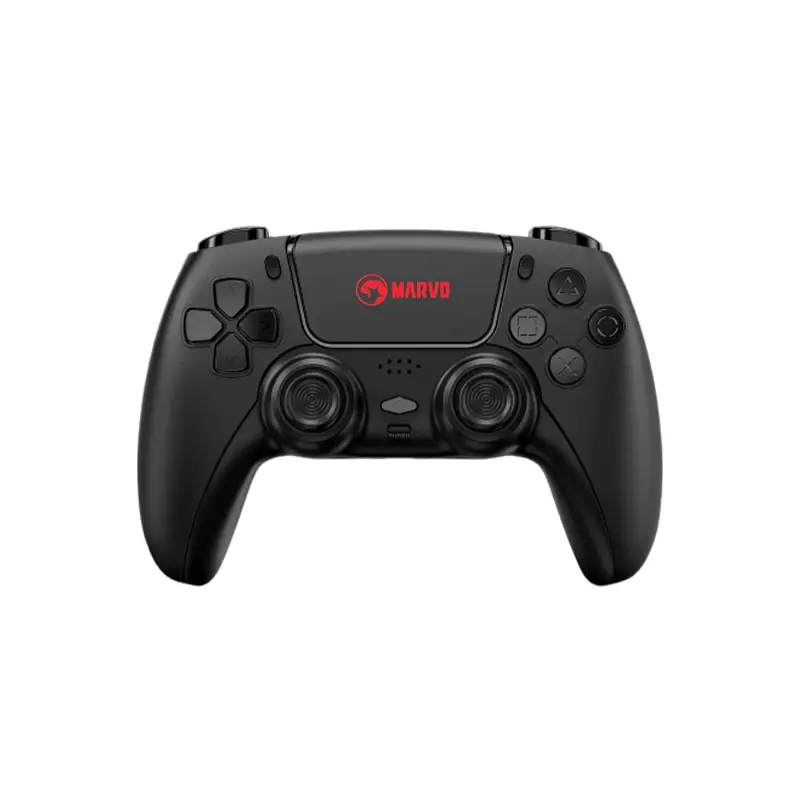
MARVO GT-90 COMPUTER WIRED GAME PAD
- Dual-motor vibration
- Touch panel control
- 3.5mm port with mic function
- Single MR/ML macro keys
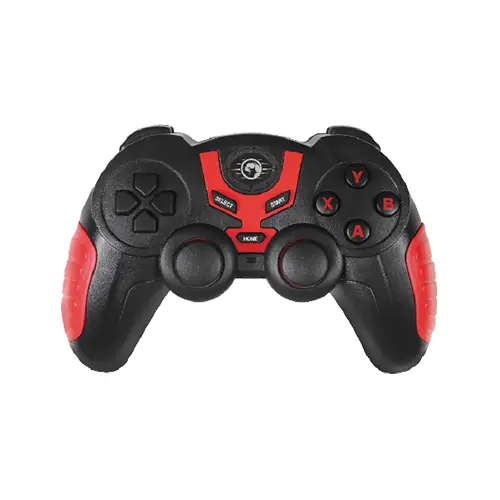
MARVO GT-60 WIRELESS AND WIRED GAMING CONTROLLER
- Connectivity: Wireless or wired (USB cable)
- Compatibility: Android and PC
- Battery: Battery capacity: 350 mA Charging time: 1.5 h Usage time: 6 – 10 h
- Warranty: 1 Year
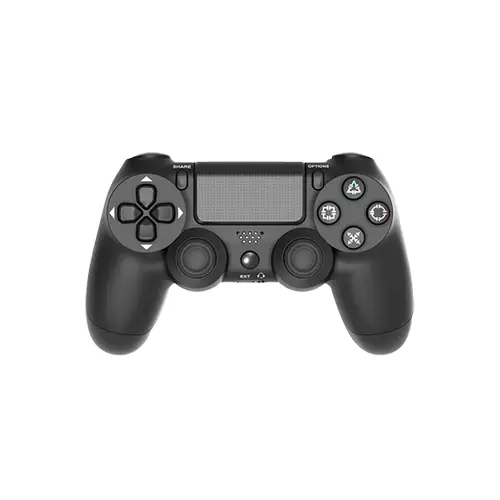
MARVO GT-84 WIRELESS AND WIRED GAMING CONTROLLER
- Connectivity: Wireless or wired (USB cable)
- Color: Black
- Compatibility: PS4/PC(D-INPUT/PS3
- Vibration: Dual vibration
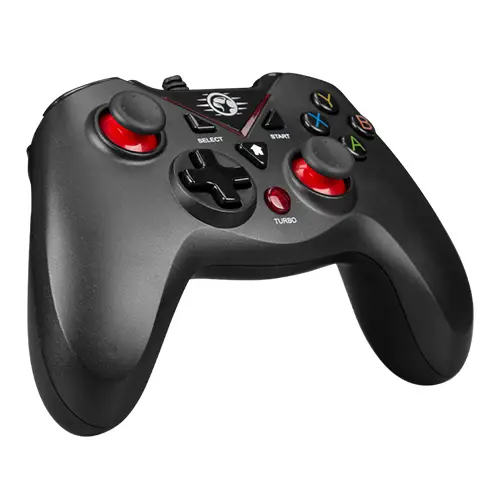
MARVO GT-016 COMPUTER WIRED GAME PAD
- Number of buttons: 12
- Analog sticks: 2
- Interface: USB 2.0
- Cable length: 1.8 m
Showing 7 out of 7 products
Explore Marvo Gamepads for PC Gaming
Marvo gamepads are designed for gamers who prefer using a dedicated controller instead of a traditional keyboard and mouse. A gamepad provides convenient access to directional controls, action buttons, and analogue inputs for compatible games. Marvo gaming controllers can be an option for users looking to improve their gaming setup with a controller-based experience.
Gamepads are particularly useful for racing, sports, fighting, platform, and adventure games. Before choosing a Marvo controller, consider your preferred game genres, device compatibility, and the control features you need.
Gaming Experience with Marvo Controllers
A gamepad offers a different way to interact with video games. Instead of using separate keyboard keys, players can use dedicated buttons and analogue controls to manage movement and in-game actions. This can make controller-supported games more convenient to play.
The gaming experience depends on the controller's design, button layout, and the game's compatibility. If you regularly play racing or sports games, check the analogue controls and trigger layout. For other genres, consider the button arrangement and overall handling.
Wired and Wireless Connectivity
Connectivity is an important factor when selecting a gamepad. Depending on the model, a Marvo controller may use a wired or wireless connection. Wired gamepads connect directly to a compatible device, while wireless controllers provide greater freedom of movement.
Before purchasing, check the connection type, supported devices, and any additional power requirements. Make sure the controller is compatible with your computer or gaming device and that its connection method suits your gaming environment.
Button Layout and Control Features
The button layout affects how easily you can control a game. Directional pads, action buttons, analogue sticks, and triggers are common controller features, although the exact arrangement can vary between models.
Some gamepads may also include additional controls or functions. Review the product images and specifications to understand the available buttons and features. Choosing a familiar and comfortable layout can make everyday gaming easier.
Design and Comfort for Gaming Sessions
Controller design plays an important role in comfort and usability. Grip shape, button placement, controller size, and build quality can influence how a gamepad feels during longer gaming sessions.
When comparing Marvo gamepads, consider whether the controller fits comfortably in your hands and whether the buttons are easy to reach. A suitable design can help provide a more comfortable gaming experience.
Choosing the Right Marvo Gamepad
The right Marvo gamepad depends on your gaming habits and device requirements. PC gamers should check operating system and game compatibility before purchasing. Users who prefer a wired setup should consider cable connection requirements, while wireless users should review the supported connection method and power needs.
It is also worth comparing the available control features, button layout, design, and supported functions. Reviewing these specifications can help you choose a controller that matches your gaming preferences.
Buy Marvo Gamepads from Techland BD
Explore the available Marvo gamepads at Techland BD and compare their specifications, connectivity options, and control features. Product information can help you understand which controller is suitable for your computer and gaming requirements.
Visit the Marvo Gamepad category at Techland BD to check the currently listed products. Review individual product pages for updated prices, availability, and specifications before placing your order.
Marvo Gamepad Price List in Bangladesh 2026
| Product | Price |
|---|---|
| MARVO GT-019 PS3 GAMING CONTROLLER | ৳1800 |
Frequently Asked Questions
What is a Marvo gamepad used for?
A Marvo gamepad is a gaming controller designed for compatible games. It provides dedicated buttons and directional controls for playing different types of video games.
Can I use a Marvo gamepad on a PC?
Some Marvo gamepads support PC gaming. Check the individual product specifications to confirm operating system support and connection requirements.
Are Marvo gamepads wired or wireless?
Connectivity depends on the model. Check the product details to confirm whether a particular Marvo gamepad uses a wired or wireless connection.
Which games can I play with a Marvo gamepad?
A compatible gamepad can be used with games that support controller input. Racing, sports, fighting, action, and adventure games may offer controller support, depending on the title.
What should I check before buying a Marvo gamepad?
Check device compatibility, connectivity, button layout, analogue controls, controller design, and supported features. These details can help you select a suitable gamepad for your setup.
